
Download 金舟Win解压缩-Zip、7z、RAR解压缩软件 – 解压缩, 压缩, ZIP, RAR, 7z, 文件管理, 压缩工具, 无广告, 快速解压, 文件提取, 文件压缩, 金舟Win解压缩
Overview
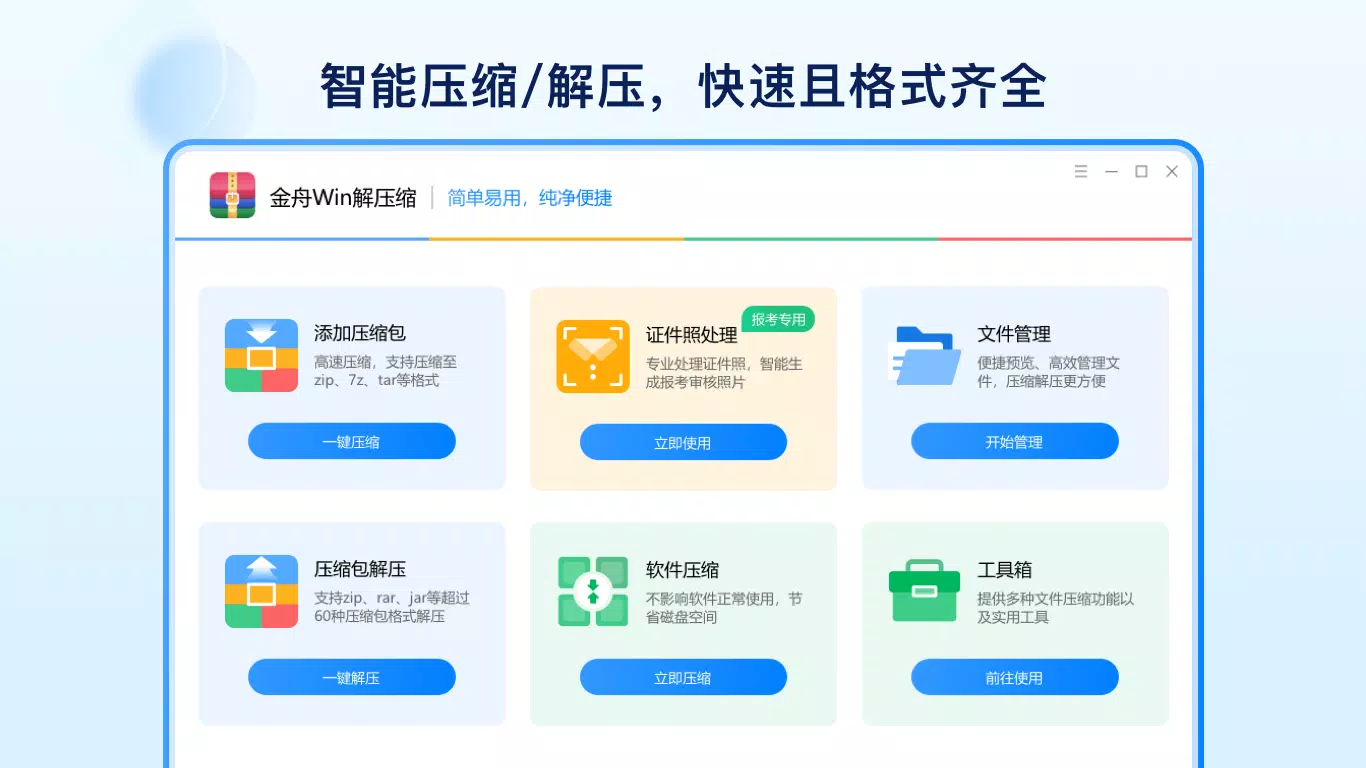
金舟Win解压缩-Zip、7z、RAR解压缩软件 is a dedicated file compression and decompression utility designed for Windows users seeking a reliable, efficient, and ad-free experience. The app addresses common challenges associated with managing compressed files, such as slow extraction speeds, limited format support, and intrusive advertisements. It caters to both casual users handling everyday file transfers and professionals working with complex archives across multiple formats. By supporting over 60 compression types, including ZIP, RAR, and 7z, the software ensures broad compatibility with files encountered in personal, academic, and business environments. Its primary function is to streamline the process of extracting, compressing, and organizing archived content, reducing user effort and time spent on file management tasks. The developer, 金舟软件, has positioned this tool as a lightweight yet powerful alternative to more resource-heavy compression suites. Although specific details about the company’s background were not provided, the app’s focus on performance and user experience suggests a targeted approach to solving real-world file handling issues. In the broader software ecosystem, 金舟Win解压缩 fills a niche for users who value speed, simplicity, and security in their daily workflows.Key Features & Functionality
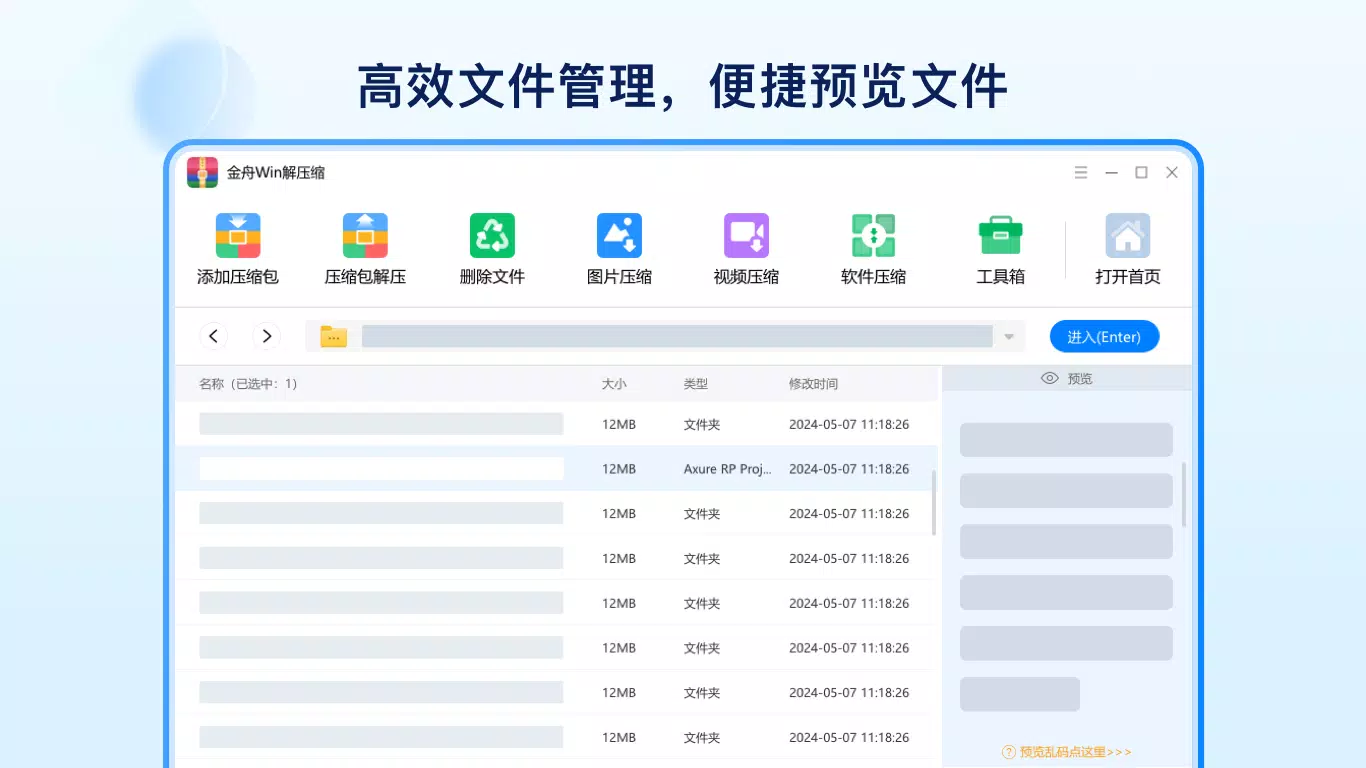
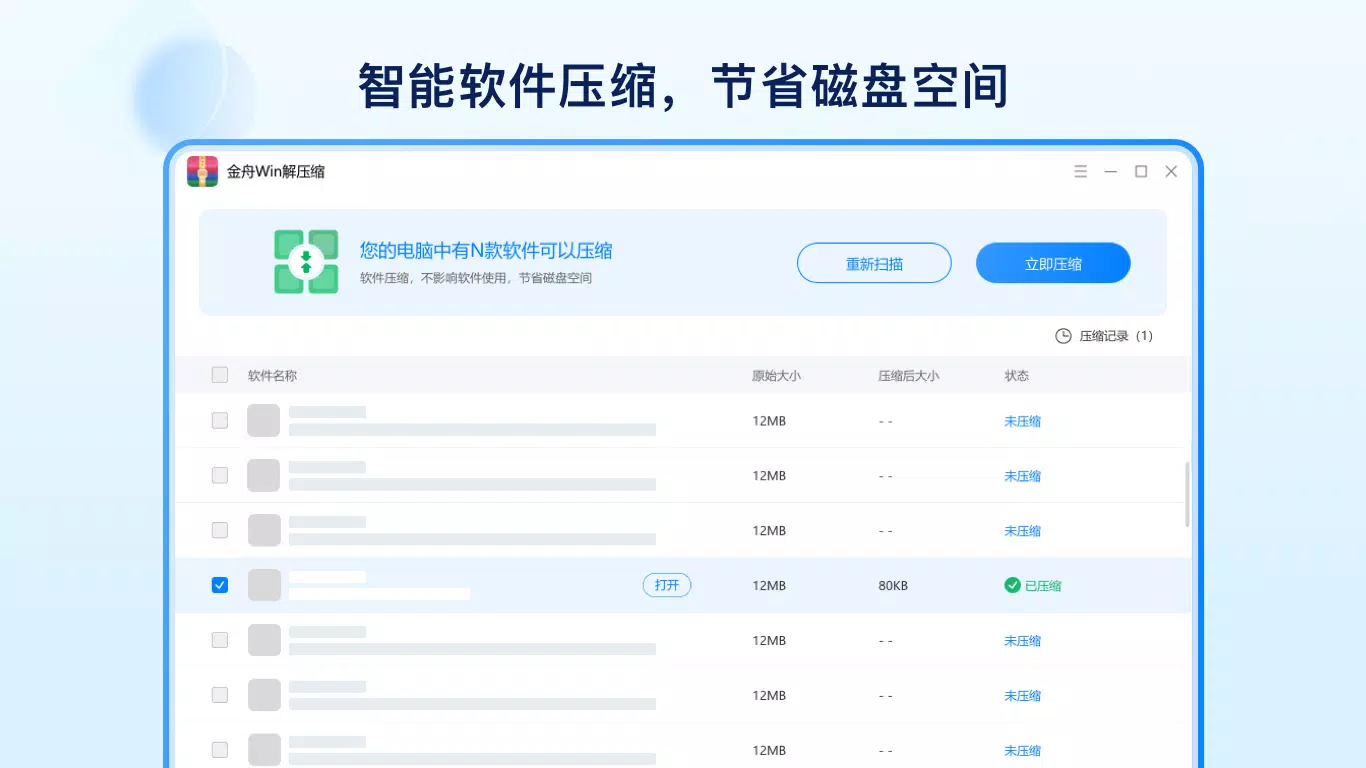
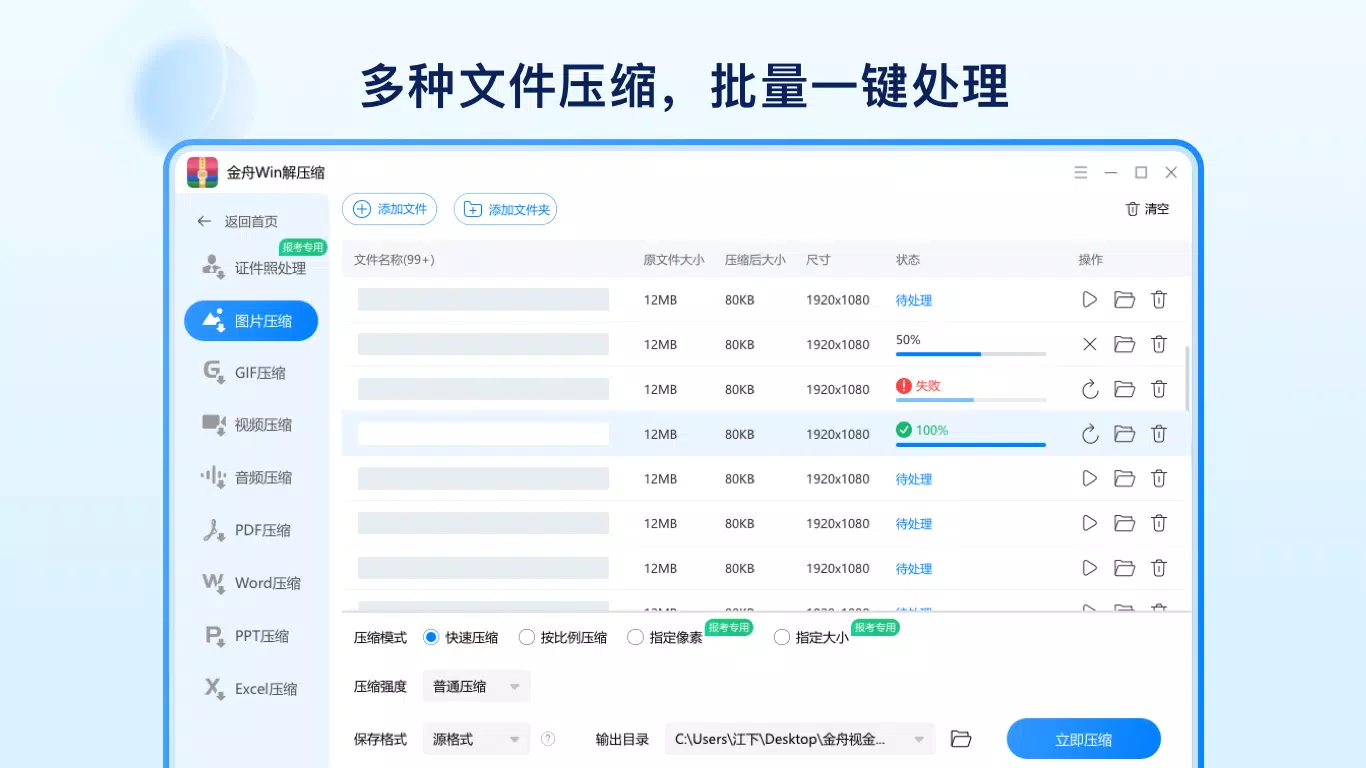
The software delivers a suite of practical tools tailored for efficient file handling. It supports more than 60 compression formats, enabling users to work with both standard and less common archive types without switching between applications. This broad compatibility is especially valuable when dealing with files shared across different platforms or departments. The rapid compression engine allows users to compress large volumes of data with minimal processing delay, while offering multiple compression modes to balance file size and speed. Built-in encryption ensures that sensitive files remain protected during compression. Intelligent decompression technology enables fast extraction of large archives, significantly reducing wait times and improving workflow continuity. The integrated file manager allows users to preview content within archives—such as images, documents, and media files—without the need for full extraction, enhancing productivity and reducing unnecessary disk usage. Additionally, the tool supports batch processing, allowing multiple files to be compressed or extracted simultaneously. These features are particularly useful for users managing large project folders, backup sets, or media libraries. The combination of speed, versatility, and user-friendly functionality makes this software a strong contender for users who prioritize efficiency and reliability in file management.Real-World Use Cases
- Students can quickly extract course materials distributed in ZIP or RAR format without delays.
- Professionals in design or IT can preview assets inside archives before deciding whether to extract them.
- Home users can securely compress personal photos and documents for backup or sharing.
- Business teams can efficiently compress and send large project files across departments.
- Remote workers can manage compressed work folders on the go with minimal performance impact.
Interface, UX & Performance
The user interface of 金舟Win解压缩 is designed with clarity and efficiency in mind. It features a clean layout with intuitive navigation, allowing users to access core functions—such as adding files to an archive or extracting contents—with minimal steps. Visual cues and consistent iconography support ease of use across different user skill levels. The software maintains a lightweight footprint, contributing to smooth operation even on devices with modest hardware specifications. Although the developer did not list formal performance metrics, the app’s focus on speed and responsiveness suggests optimized resource management. Users can expect stable operation during both compression and decompression tasks, with minimal risk of crashes or freezes. The interface remains responsive during file processing, allowing users to continue working on other tasks without interruption. While specific details about performance across different device categories were not disclosed, the app’s design implies compatibility with a wide range of Windows systems. Overall, the UX emphasizes simplicity and functionality, making it accessible to both novice and experienced users seeking a dependable compression tool.Platform Compatibility & Technical Requirements
金舟Win解压缩-Zip、7z、RAR解压缩软件 is designed for the Windows platform and is available in version 1.0.0. The application has a file size of 15.6 MB, indicating a lightweight installation that does not consume significant disk space. The developer did not specify minimum OS requirements, so users should ensure compatibility with their current Windows environment. The app is offered at no cost, making it accessible to a broad audience. While the developer did not provide information on supported Windows versions, the app’s small size and focus on core functionality suggest it may run on recent Windows releases, including Windows 10 and Windows 11. Users should verify system compatibility before installation. No additional dependencies or background services were mentioned, which contributes to a streamlined user experience. The absence of third-party integrations or mandatory online accounts further enhances its independence and ease of use.Pros and Cons
Pros
- Supports over 60 compression formats, ensuring broad compatibility.
- Offers fast compression and intelligent decompression for improved efficiency.
- Includes a built-in file manager with preview capabilities.
- Ad-free experience enhances user focus and reduces interruptions.
- Lightweight design with a small file size of 15.6 MB.
- Free to download and use, making it accessible for all users.
Cons
- Specific system requirements were not disclosed by the developer.
- No information was provided about update frequency or future development plans.
- Compatibility with older Windows versions remains uncertain.
- Developer background and support channels were not detailed.
- No cloud integration or sync features were mentioned.
FAQ
Is 金舟Win解压缩 safe to download and install?
The app is available as a free download and does not display advertisements. While the developer did not provide security certifications, its lightweight nature and lack of intrusive elements suggest a secure installation process.
Can I use this app on older versions of Windows?
Compatibility with older Windows versions was not specified by the developer. Users are advised to test the app on their system or consult official documentation if available.
Does the app support batch processing?
Yes, the software allows users to compress or extract multiple files simultaneously, improving efficiency for bulk operations.
Is there a version available for Android or iOS?
The app is currently designed exclusively for Windows. No mobile versions were mentioned in the provided information.
How often are updates released?
Update frequency was not disclosed. Users should check the developer’s website or official channels for the latest version and improvements.


